
Getting started with AI
Use Codex to set up a folder of business information and build a landing page for your offer. The workbook includes prompts you can use in your own chat.
Download workbook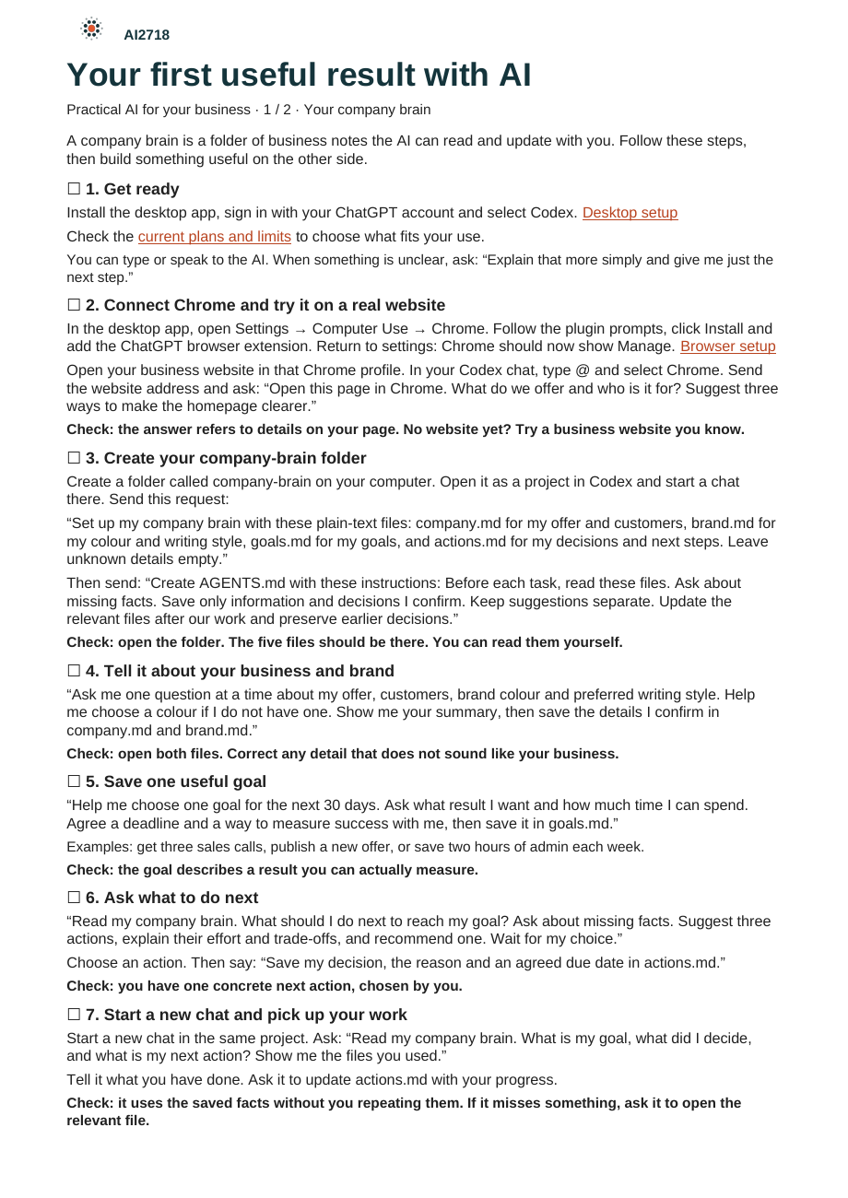
Exercises
Save your business knowledge
Save your offer, brand colour and a goal. Start a new chat and check that the AI uses what you saved.
Connect your browser
Install the Chrome extension and have Codex open your website. Ask how to make your offer clearer on the homepage.
Build a landing page
Create a page for your offer and open the preview on your computer. Change your saved brand colour and have the page updated to match.
Connect Gmail and save a skill
Have Codex summarise an email and draft a reply using your business information. Then save your page structure as a skill and use it for another offer.